
Profile Setup Guides
Start Here
Make your profile feel like a tiny home on the internet
A good FateID profile is not about turning on every feature. It is about helping a visitor understand who you are, what you care about, and where they should go next. Think of your page like a front door with a welcome sign.
This guide is written very gently on purpose. If you are brand new, follow it from top to bottom. If you already know the basics, jump to the plan level that matches your membership.
Step by Step
Quick start tutorial for a brand-new user
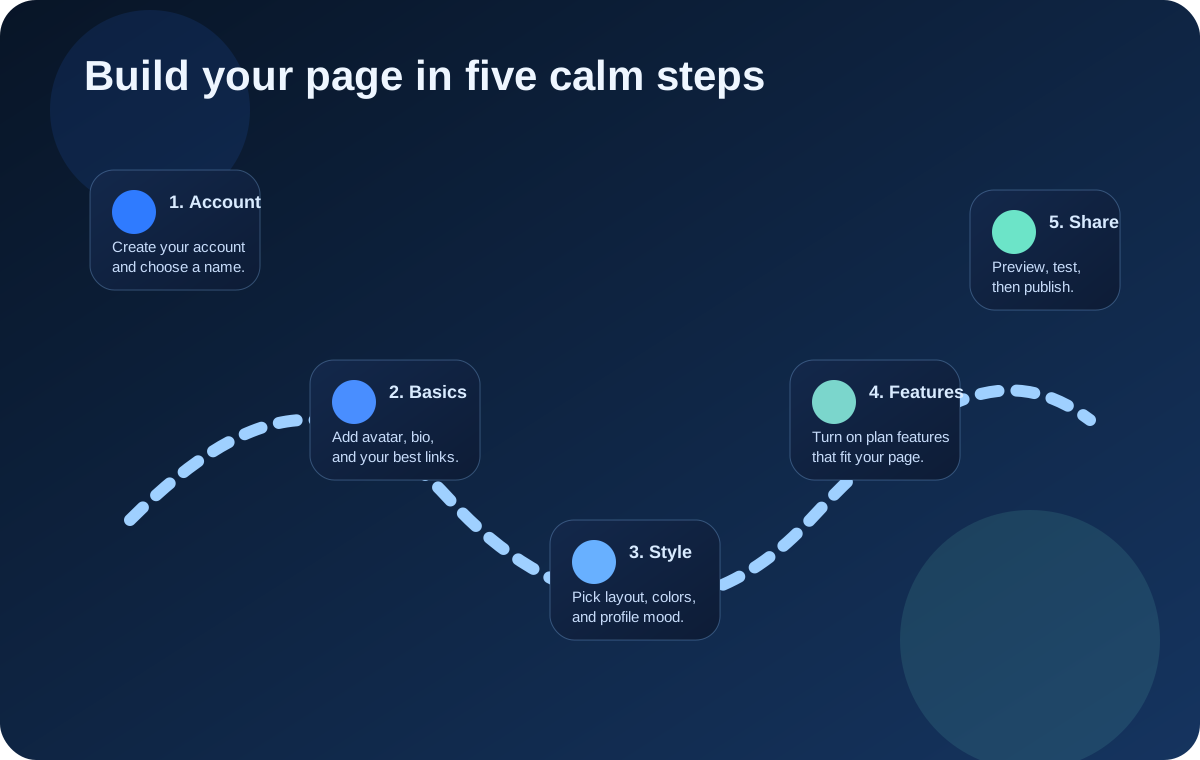
If you only want one simple answer, do these steps in order. They are the shortest path to a profile that already feels complete.
Create your account and pick a clean username
Choose a username that is easy to type, easy to remember, and matches the name people already know you by. Good usernames feel simple. If you are a creator, use the same handle you use on other platforms when possible.
Add your display name, avatar, and bio
Think of this like putting your face, your name tag, and one friendly sentence on your profile. Your avatar should be clear, your display name should be readable, and your bio should explain who you are in one small breath.
Set your visibility and your first links
Visibility decides who can find you. Your links tell visitors where to go next. Start with your most important links first, like your website, shop, socials, booking page, or portfolio.
Make the page feel like you
Choose colors, wallpaper, media, markdown, badges, and layout options that match your personality or your brand. A profile should feel intentional, not random.
Preview, test, and improve
Open your own public page like a visitor would. Check mobile, check spacing, check spelling, click your links, and ask yourself one question: “Would a new visitor understand me in ten seconds?”
What your Basic setup should include
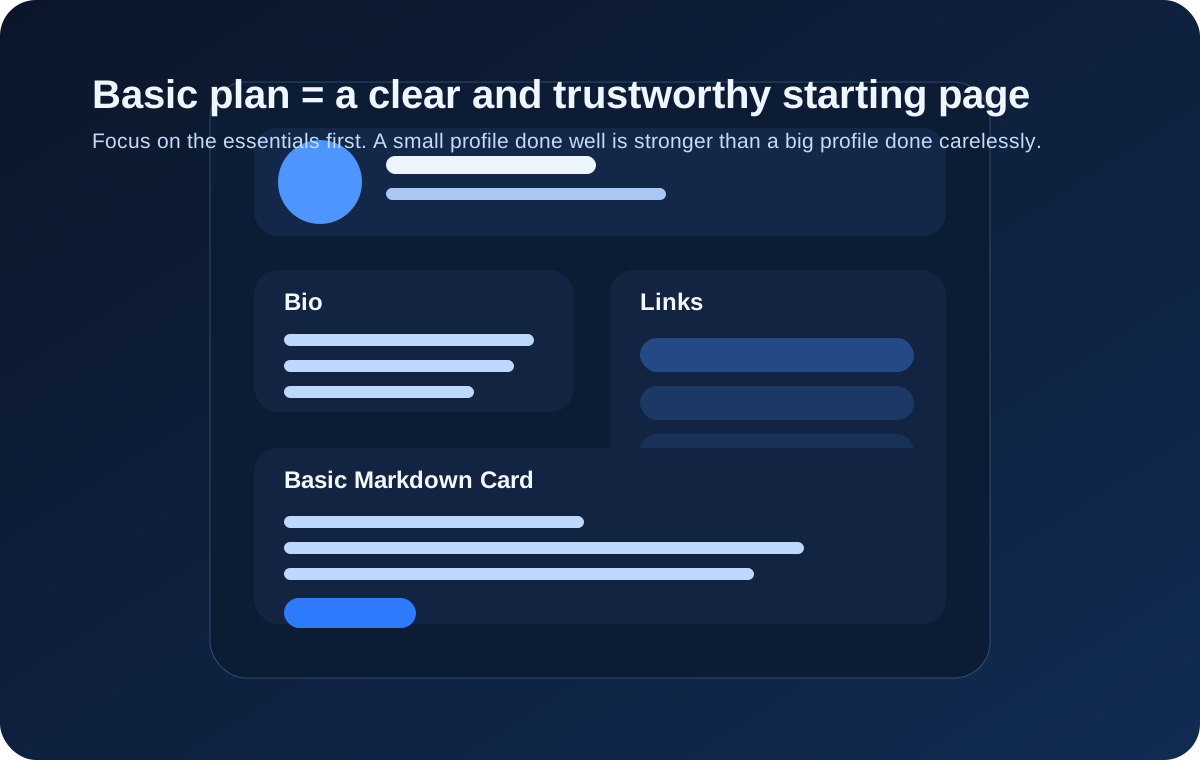
Imagine your profile as a lunchbox. People open it to see what is inside. If it has your face, your name, a tiny introduction, and the most important links, then it already works.
- Pick a strong username and display name that people can recognize fast.
- Upload a clear avatar and write a bio that says exactly who you are.
- Choose your visibility settings carefully before sharing your page.
- Add your most important links in the order you want visitors to click them.
- Use the Basic Markdown Card for simple profile text, lists, and structure.
- Preview your page on desktop and mobile before sending it to anyone.
Plan by Plan
What each membership level helps you do
Think of tiers like bigger boxes of art supplies. Basic gives you the essentials. Higher tiers give you more tools to shape mood, content, media, and prestige.
Basic Plan
Your starter profile
Basic is your foundation. It is perfect if you want a simple public profile that looks tidy and trustworthy. This is the best place to learn what information matters before you add advanced visuals.
- Avatar, display name, bio, links, and visibility controls
- Basic Markdown Card for structured text without links
- Clean profile presentation for personal, creator, or business use
Silver Pass
Motion and personality
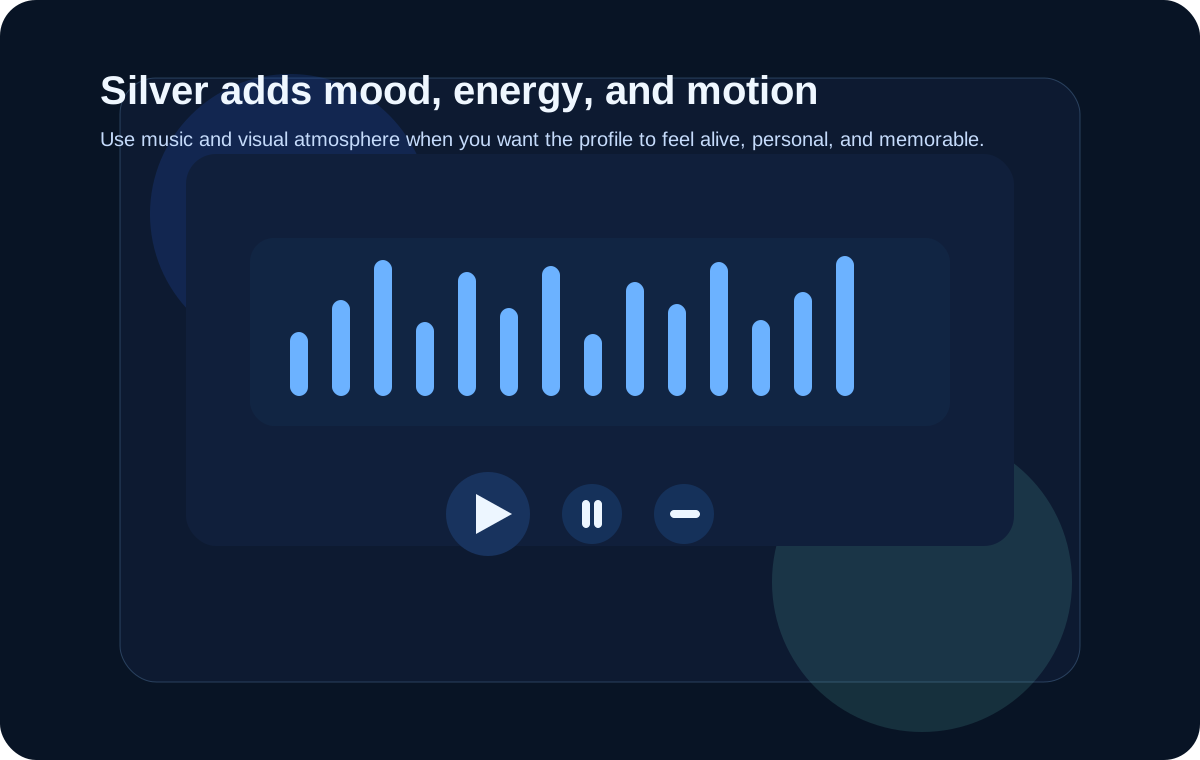
Silver is where a profile starts to feel alive. Use it when you want visitors to feel a mood. Music and motion should support your identity, not overpower it.
- Music LED Visualizer controls and supported music-source setup
- More expressive profile energy and atmosphere
- Better storytelling for creators, streamers, and fandom profiles
Gold Pass
Advanced Markdown Card
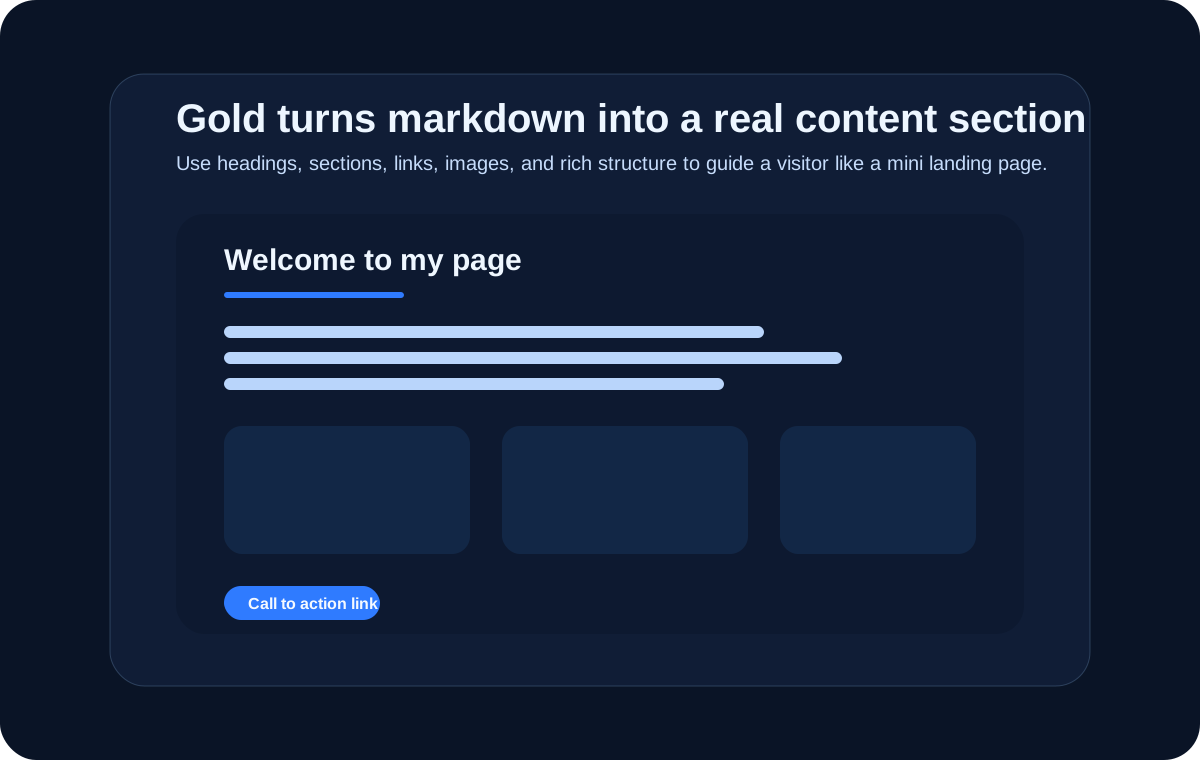
Gold gives you a much stronger content block. This is where your profile can become a tiny landing page. Use headings, sections, examples, and call-to-action links to guide visitors.
- Advanced Markdown Card with URLs, links, rich embeds, and stronger formatting
- Better long-form presentation for guides, link collections, and project pages
- Ideal for creators, educators, indie teams, consultants, and polished personal brands
Pearl Pass
Creator and developer polish
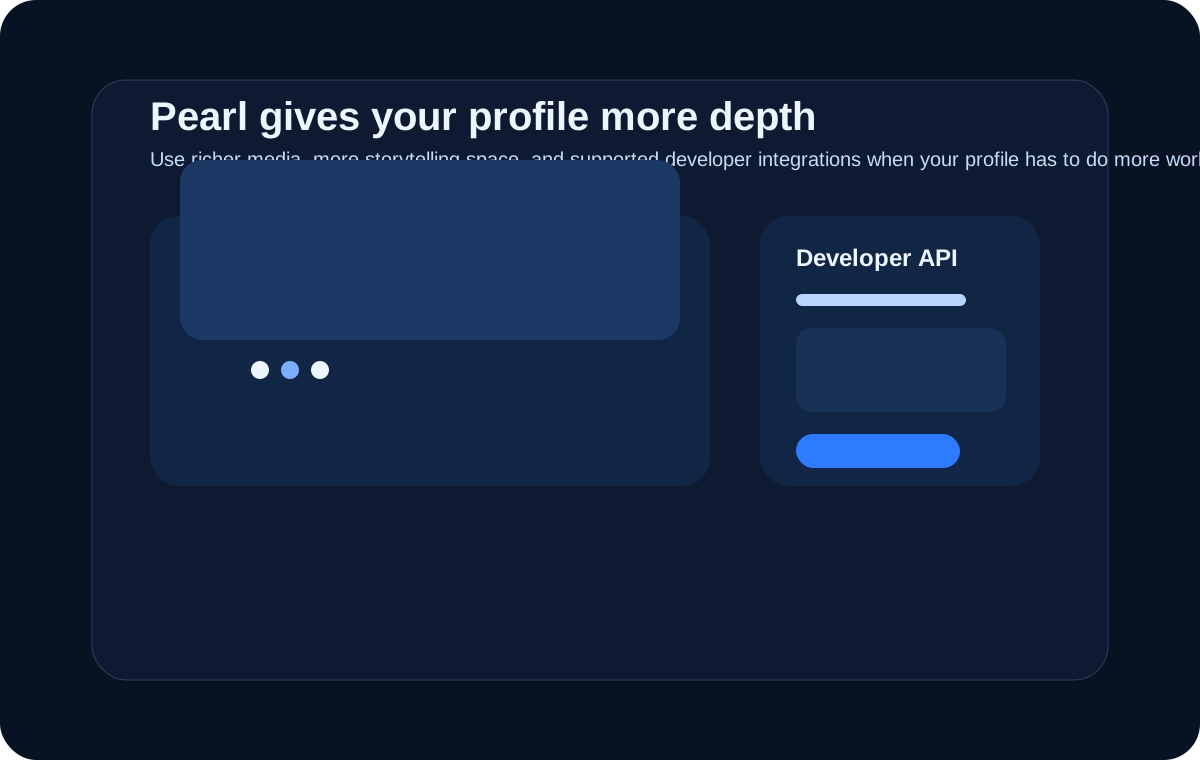
Pearl is for users who want more depth. It helps when you need multiple supporting images or when your profile is part of a larger creator or developer ecosystem.
- Card Photo Carousel for richer visual storytelling
- Developer API key access for protected supported endpoints
- More polished presentation for launches, portfolios, and brand identity
Diamond+ and VIP
Premium prestige layers
Diamond and VIP should feel controlled, not noisy. Premium features are strongest when they support your story with confidence. Think luxury, clarity, and memorability.
- Video Card Background and stronger premium presentation systems
- Top-tier visual atmosphere and high-end identity shaping
- Best for premium creator brands, public figures, teams, or statement pages
Creative Examples
Three good ways to shape your page
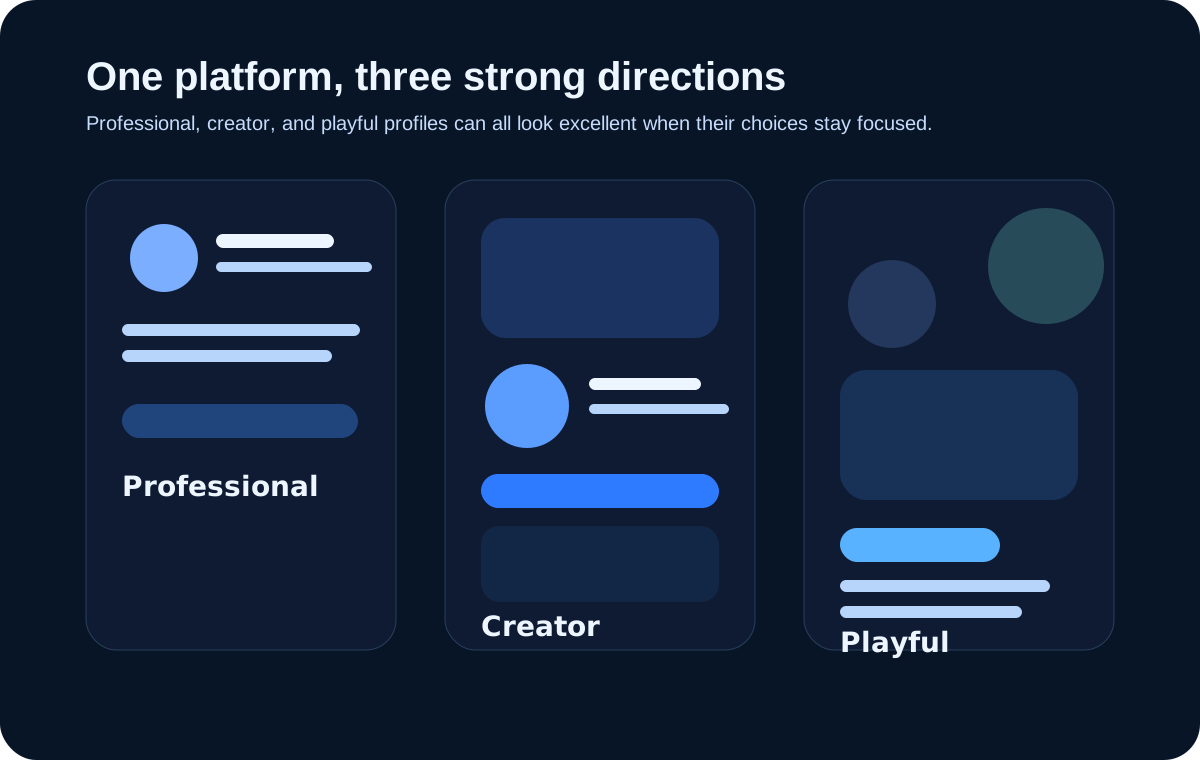
You do not need to copy someone else exactly. But it helps to start with a clear lane. Here are three lanes that work very well.
Pick one main personality for the page
The strongest profiles feel like one person made one set of choices on purpose. That is why a profile for business looks different from a fan page, and both can still be excellent.
Professional / Business
Great for consultants, agencies, indie founders, artists for hire, and portfolio pages.
- Use a clean headshot or logo.
- Write a short bio that says what you do and who you help.
- Place your best conversion links first: website, booking, portfolio, contact.
- Keep colors restrained and easy to read.
- Use markdown to explain services, credentials, or a quick “Start here” section.
Famous Creator / Public Persona
Great for streamers, musicians, VTubers, influencers, and established online personalities.
- Use a strong avatar and consistent creator branding.
- Lead with the links fans use most: stream, socials, merch, membership.
- Add music, carousel images, or premium visual features that match your aesthetic.
- Keep the page emotionally recognizable in one glance.
- Use markdown for announcements, current projects, or a featured “watch this first” section.
Playful / Fun
Great for fandom pages, roleplay profiles, friend cards, hobby pages, and experimental identity pages.
- Let the wallpaper, colors, and profile voice feel joyful and personal.
- Use short sections so the page stays easy to read.
- If you use bold features, balance them with enough empty space.
- Pick one main theme instead of ten competing ones.
- Make sure links and text are still usable on mobile.
Finish Strong
Your final profile quality check
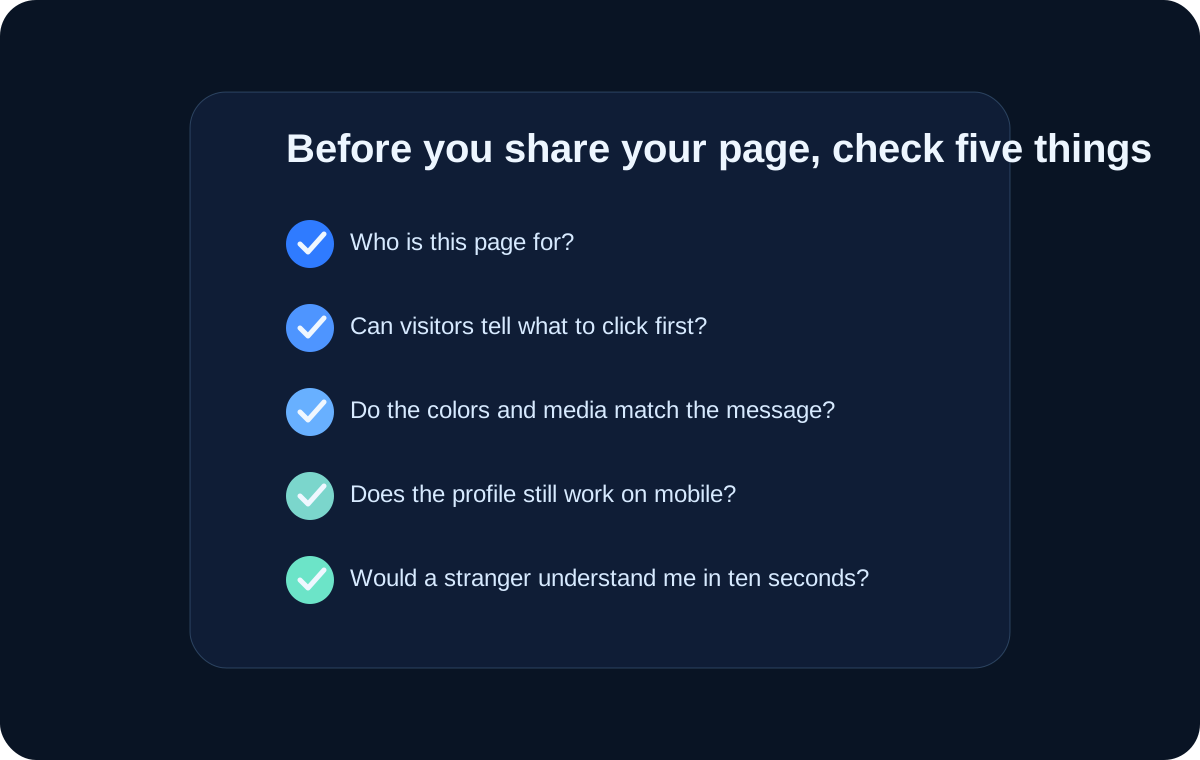
Before you share your page, pretend you are a stranger visiting for the first time. A finished profile should answer these questions quickly:
- Who is this person or brand?
- What is the page mainly for?
- What should I click first?
- Does the style match the message?
- Does everything still look good on mobile?
Common Questions
A few calm answers for nervous beginners
What should I do first if I feel overwhelmed?
Do only three things first: avatar, bio, and links. That alone already makes the page useful. Everything else can come after.
How do I know if my profile looks professional?
If a stranger can tell who you are, what you do, and where to click next in ten seconds, you are doing well.
How do I avoid making my page messy?
Choose one main purpose for the page. If the page is for clients, build for clients. If it is for fans, build for fans. Every feature should serve that purpose.
How often should I update my profile?
Any time your main links, projects, offers, visuals, or public identity change. A stale profile feels abandoned.